

 Stock Name: Tozed Kangwei
Stock Code: SZ 301718
-
Latest
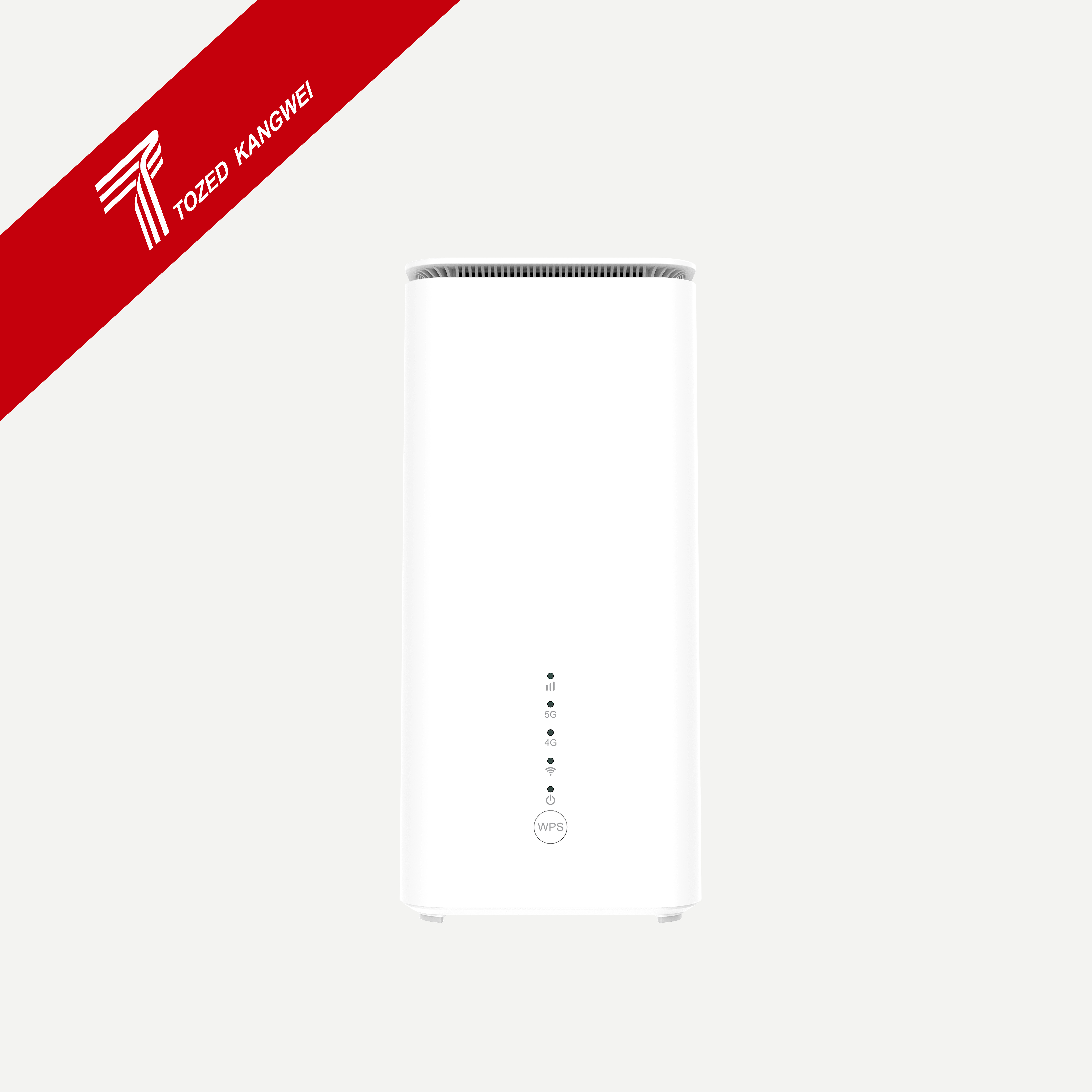 5G Indoor CPE-ZLT X25 Series




Download
Stay updated with latest product documents
FAQ
How to restore the network device to factory settings?
Date: 2025.10.23


You can log in to the network device management website and click the "Restore Factory Configuration" button on the System Management-System Settings-Restore Factory Configuration page to restore the factory settings of the device. Or when the indicator light of the network device is on, press and hold the RESET button, release it after 7 seconds when the indicator light flashes white, and the network device will automatically restart after restoring the factory settings.






Copyright © 2019-2030 Tozed Kangwei Tech Co.,Ltd. All Rights Reserved